
GetResponse AI: The Best 2026 Guide to Email & Campaign Tools
Disclosure: InnovateHub Finance earns a commission if you sign up for GetResponse through links on this page, at no extra cost to you.
Last verified: August 2026, using GetResponse’s official pricing page, feature pages, and Help Center documentation.
Key Takeaways
- GetResponse bundles four AI tools into its plans: the AI Email Generator, AI Subject Line Generator, AI Campaign Generator, and AI Course Wizard — all powered by OpenAI’s technology.
- Starter ($19/mo) caps AI email and campaign generation at 3 uses each. Marketer ($59/mo) and Creator ($69/mo) unlock unlimited use of both.
- The AI Course Wizard is Creator-plan-only and turns existing content into a structured course in roughly 30 minutes, per GetResponse’s own documentation.
- Free plan users get exactly one AI campaign, and only during the 14-day premium trial window — Free Forever accounts past that period get none.
- The AI output is a genuinely fast first draft, not a finished, publish-ready email — I still rewrite most of what it generates before sending.
Quick Answer: Are GetResponse’s AI Features Worth Using?
Yes, if you’re on the Marketer plan or higher. GetResponse AI covers three tools — the AI Email Generator, AI Campaign Generator, and AI Course Wizard — and genuinely cuts first-draft time. I use all three inside InnovateHub Finance’s own GetResponse account. The Starter plan’s 3-use cap makes GetResponse AI more of a trial than a workflow. Treat every AI output as a rough draft that needs your voice added before it goes out, not a finished asset.
I’ve spent 30 years in finance before building InnovateHub Finance from scratch in January 2026, and I run this entire site on GetResponse — including its AI tools — every single week. If you’ve read about GetResponse’s “AI-powered” marketing and want the honest, plan-by-plan breakdown of what that actually gets you, this is that breakdown.
Most articles covering GetResponse’s AI features either read like a repackaged feature list from GetResponse’s own marketing pages, or bury the plan-gating details across five different help articles. I’ve pulled it all into one place, verified directly against GetResponse’s pricing page and Help Center, and I’ll tell you plainly where the AI genuinely saves time and where it still needs a heavy edit.
GetResponse offers four core AI tools, and which ones you can use — and how often — depends entirely on your plan. Get this wrong and you’ll sign up expecting unlimited AI campaigns on Starter, only to hit a wall after your third try.
Not yet a GetResponse user? Start free and test the AI tools for 14 days, no credit card required.
GetResponse AI: Which Plan Unlocks Which Tool?
The short version: Starter gives you a taste, Marketer gives you full email and campaign AI, and only Creator adds the Course Wizard. Here’s the exact breakdown, verified against GetResponse’s live pricing page.
| AI Tool | Free Plan | Starter ($19/mo) | Marketer ($59/mo) | Creator ($69/mo) |
|---|---|---|---|---|
| AI Email Generator | Not available | 3 uses | Unlimited | Unlimited |
| AI Subject Line Generator | Not available | 3 uses | Unlimited | Unlimited |
| AI Landing Page Creator | Not available | 3 uses | Unlimited | Unlimited |
| AI Campaign Generator | 1 use, trial period only | 3 uses | Unlimited | Unlimited |
| AI Course Wizard | Not available | Not available | Not available | Included, up to 40,000 students |
One detail that trips people up: GetResponse’s own Help Center confirms that Free plan accounts only get AI campaign access during the 14-day premium trial window. Once that trial ends and you’re on the permanent Free Forever tier, AI campaigns disappear entirely — they’re not part of the free tier long-term.
Legacy paid plans from before GetResponse’s 2025 restructure don’t include AI campaigns either, even if you’re still paying monthly. You’d need to move to one of the current plans (Starter, Marketer, Creator, or Enterprise) to get access, according to the same Help Center page.
How the AI Email Generator Actually Works
GetResponse AI’s email tool works like this: you give it keywords, pick your industry and tone, and it drafts a full email — subject line, body copy, and layout suggestions — in under a minute. It’s built into GetResponse’s drag-and-drop email creator, so you never leave the editor to use it.
Setting Up Your First AI Email
Inside the email creator, click the AI icon in the text block’s action menu. You’ll pick an email type — welcome, newsletter, sale, announcement, and a handful of others — then set the tone (formal, friendly, persuasive, and similar options) and a color palette.
Hit generate, and GetResponse produces a complete draft in your selected language. This matters if you run multilingual lists, since the same tool handles translation-adjacent generation rather than a straight machine translation of one master email.
What the Output Actually Looks Like
GetResponse’s own marketing claims an 85% reduction in email creation time. That figure is self-reported by GetResponse, not independently audited, so I’d treat it as a directional claim rather than a guarantee for your specific workflow.
In my own use running InnovateHub Finance’s list, the draft is a genuinely useful starting skeleton — subject line, opening hook, and a rough body structure. I still rewrite most of the body copy myself, because the AI’s phrasing tends to sound generic until you add specific numbers, examples, or your own voice.
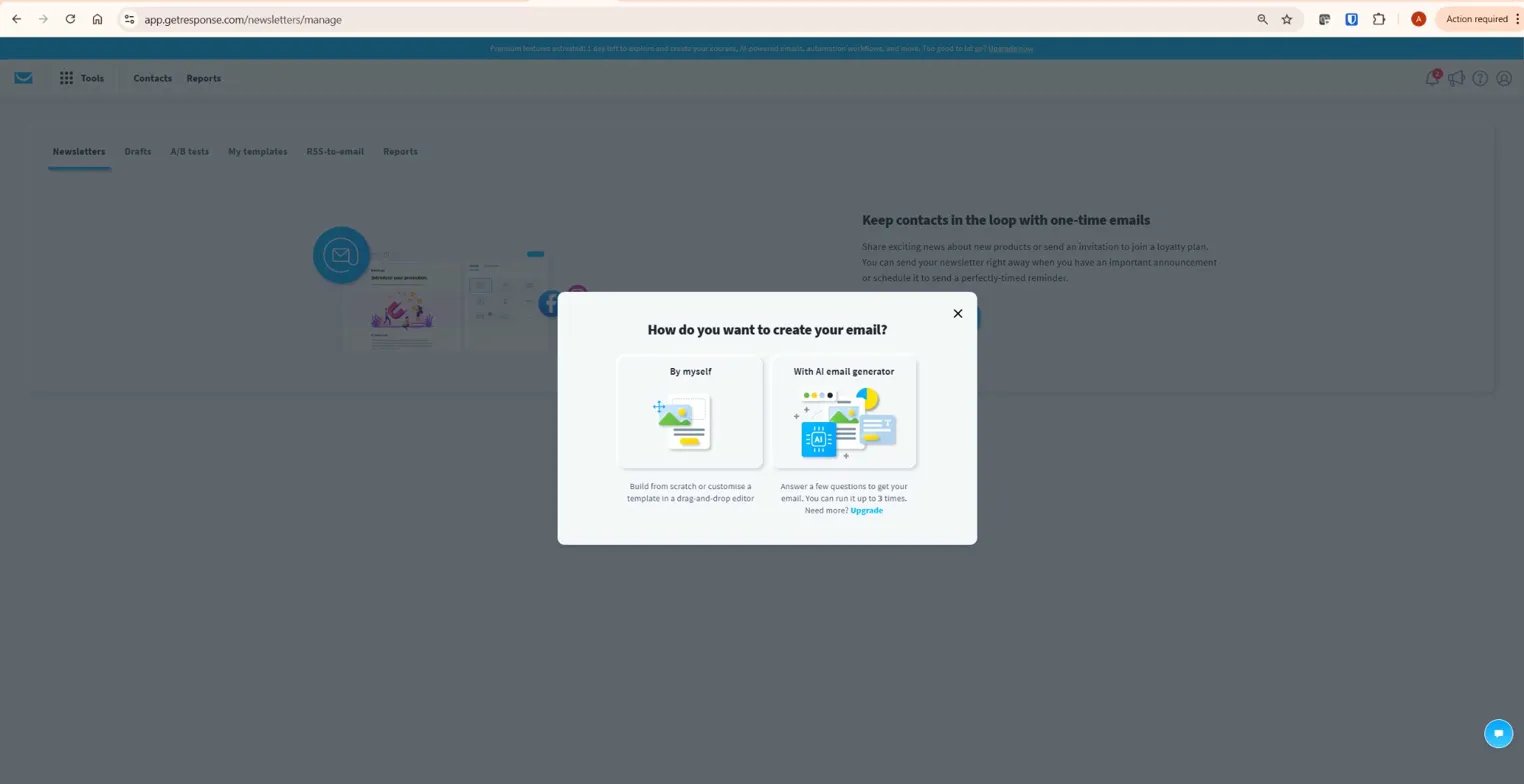
Ready to test it yourself? Try the AI Email Generator free for 14 days on GetResponse — Starter-plan signups get 3 uses to test it before committing.
How the AI Campaign Generator Builds a Full Funnel
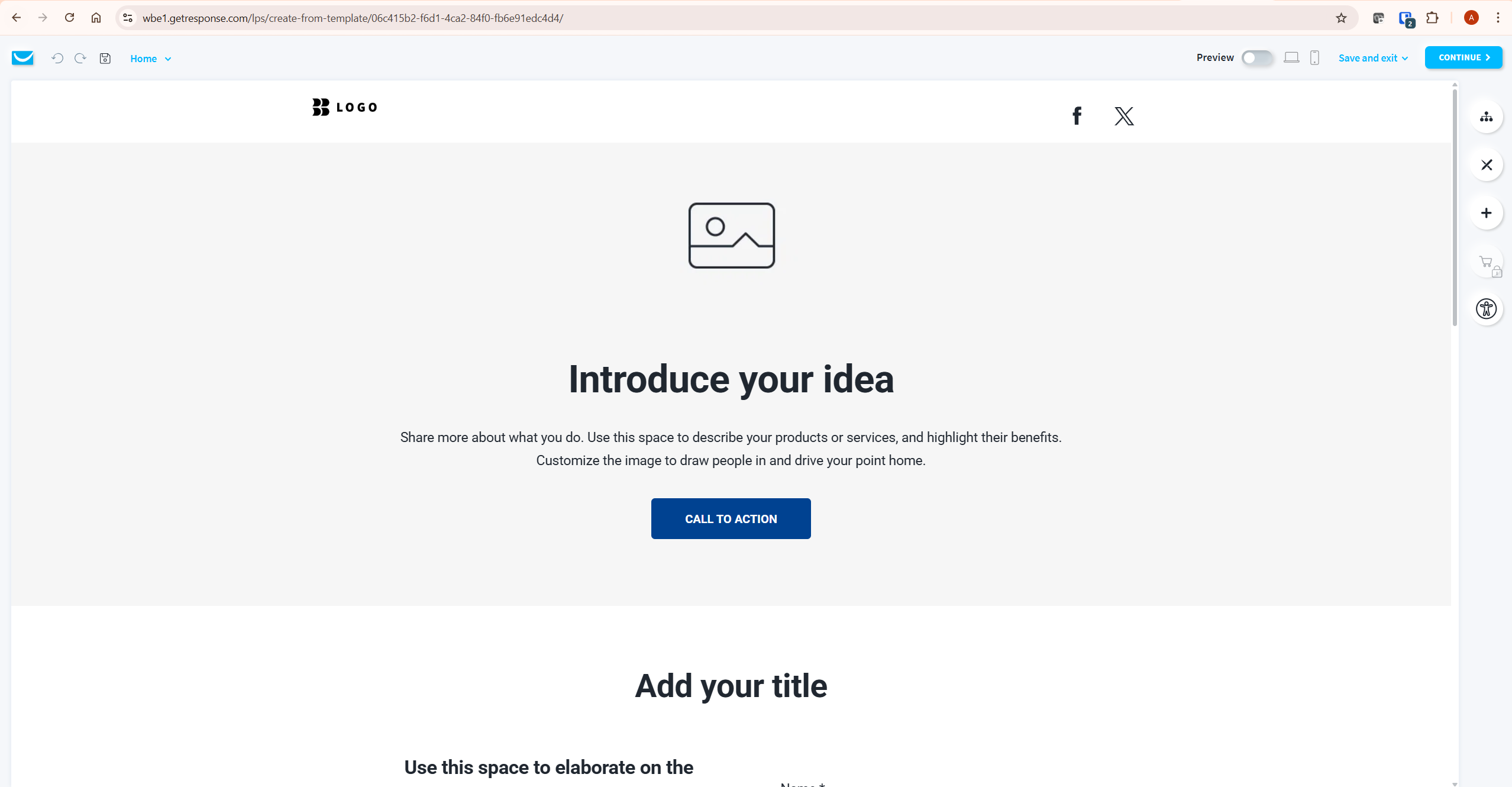
The GetResponse AI Campaign Generator goes further than the email tool — it builds a landing page, a welcome autoresponder, and a newsletter together, based on a single set of answers about your business and audience. It’s the closest thing GetResponse AI has to a one-click funnel starter.
The Actual Steps
- Name your campaign so you can find it later in your account.
- Pick the contact list new subscribers will join.
- Answer a few questions about your product, service, and industry.
- Choose a color palette and optionally upload your logo.
- Click generate and review the landing page, autoresponder, and newsletter it produces.
GetResponse’s own help video walkthrough shows this exact sequence end to end, which is worth watching before your first attempt so you know what to expect from the questionnaire step.
According to that same official documentation, generation can take a few minutes rather than the “seconds” language used in GetResponse’s press materials — plan for a short wait, not an instant result.
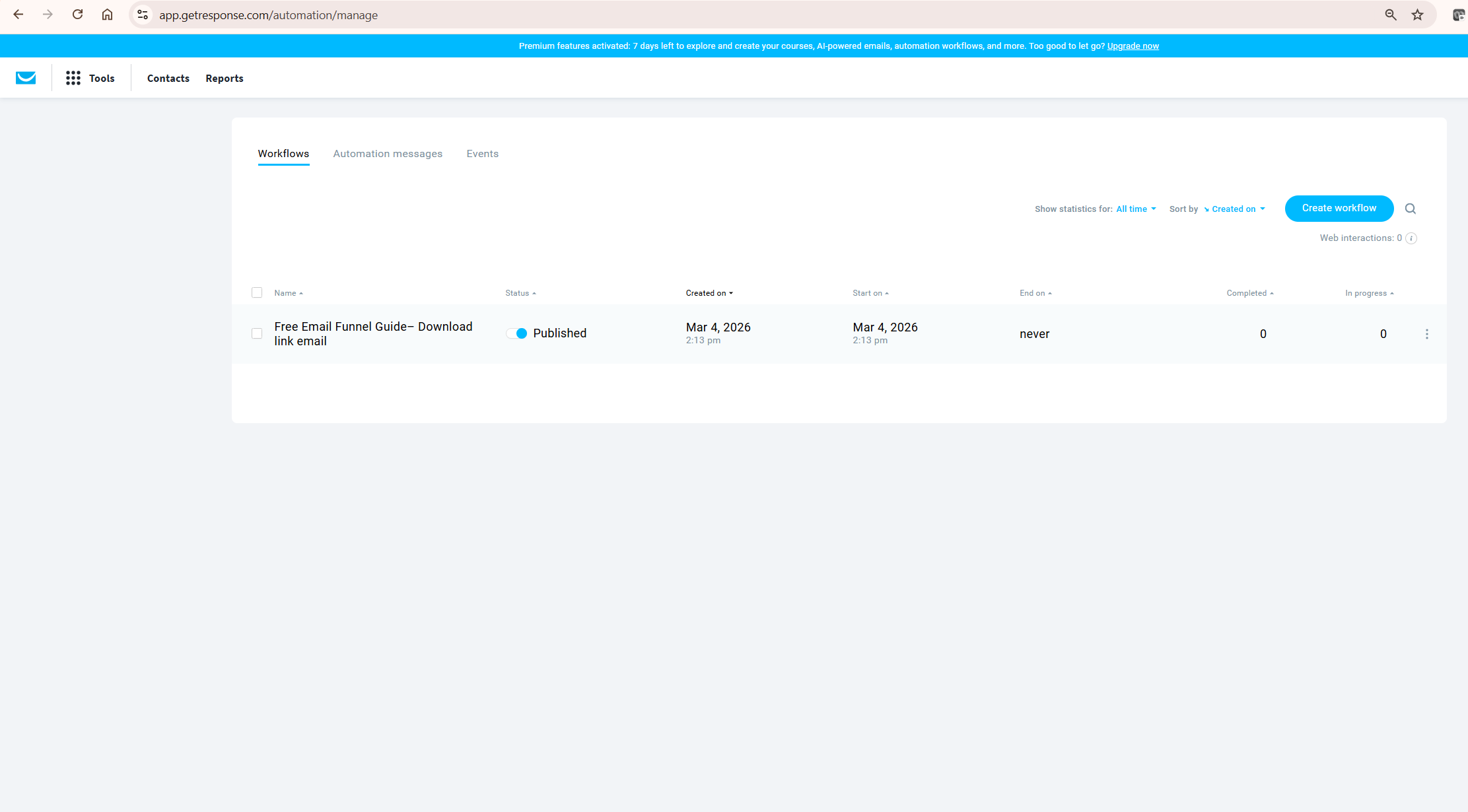
For the exact click-by-click sequence, GetResponse’s Help Center has a short video walkthrough: How to create an AI campaign. It also confirms the plan limits covered in the table above directly from the source.
Is the AI Course Wizard Worth Creator’s Higher Price?
If you already have blog posts, guides, or documents sitting around, GetResponse AI’s Course Wizard turns them into a structured course in roughly 30 minutes, per GetResponse’s own product updates. That’s the single biggest reason to consider the Creator plan over Marketer.
Creator includes unlimited courses, up to 40,000 students, zero transaction fees on sales, and built-in PayPal and Stripe integration. For a content creator sitting on a backlog of unused material, that’s a genuinely fast way to package and monetize it.
The catch is the $10/month jump from Marketer to Creator only pays for itself if you actually plan to sell a course or premium newsletter. If you don’t have content to repurpose yet, Marketer’s unlimited email and campaign AI covers most affiliate marketing workflows on its own.
GetResponse AI Honest Verdict: Where It Genuinely Helps and Where It Doesn’t
The AI tools are a real time-saver for the blank-page problem, not a replacement for editing. I’d rank the AI Campaign Generator as the most useful of the four, because building a landing page, autoresponder, and newsletter from scratch normally eats an afternoon, and this compresses it to under an hour including your own edits.
Here’s a genuine limitation: the AI Email Generator’s copy leans generic until you inject specific numbers, examples, or a distinct voice. If you publish its first draft unedited, your emails will read like every other GetResponse user’s AI-generated email, because you’re all drawing from the same model.
A quick calculation worth running yourself: if writing one email manually takes you 30 minutes and the AI draft takes 5 minutes to generate plus 15 minutes to edit, you’ve saved 10 minutes per email. At 4 emails a week, that’s roughly 35 minutes a week — useful, but not the dramatic time reclaim the marketing copy implies. Run your own numbers based on how long your emails currently take.
What To Do Next
If you’re already on GetResponse’s Marketer or Creator plan, open your email creator right now and generate one test email with the AI tool — it takes under 5 minutes and you’ll immediately see whether the tone matches your brand.
If you’re on Starter or considering GetResponse for the first time, use your 3 free AI campaign uses on your most time-consuming asset — usually a landing page — rather than a simple welcome email you could write yourself in 10 minutes.
If you’re deciding between Marketer and Creator specifically for the AI tools, ask yourself one question: do I have existing content to turn into a course in the next 90 days? If not, stay on Marketer and revisit Creator when you do.
Frequently Asked Questions
Does GetResponse’s free plan include any AI features?
Only during your 14-day premium trial, and only for one AI campaign. Once your trial ends and you drop to the permanent Free Forever tier, AI campaign access is removed entirely, per GetResponse’s own Help Center documentation.
Is GetResponse’s AI powered by ChatGPT?
Yes. GetResponse AI runs on OpenAI’s technology, the same company behind ChatGPT, integrated directly into GetResponse’s email, landing page, and campaign creators.
Can I use the AI Email Generator on the Starter plan?
Yes, but you’re capped at 3 uses total, not 3 per month. Once you’ve used all 3, you’d need to upgrade to Marketer or Creator for unlimited access.
What’s the difference between the AI Email Generator and the AI Campaign Generator?
The Email Generator produces a single email. The Campaign Generator produces three assets together — a landing page, a welcome autoresponder, and a newsletter — from one set of answers about your business.
Does the AI Course Wizard require the Creator plan?
Yes. It’s not available on Starter or Marketer. You need the Creator plan at $69/month, or Enterprise, to access it.
Can I use GetResponse’s AI tools in languages other than English?
Yes, the AI Email Generator supports generating content in the language of your audience, which is useful if you run lists in multiple markets and don’t want to manually translate each version.
Is GetResponse’s 85% time-savings claim independently verified?
No. That figure comes from GetResponse’s own marketing materials and hasn’t been independently audited by a third party. Treat it as a directional claim and measure your own time savings based on your typical email-writing process.
Final Verdict
If I had to summarise GetResponse AI in one sentence: it’s a genuinely fast first draft, gated behind plan tiers that reward committing to Marketer or above. GetResponse AI solves the blank-page problem well, but it doesn’t remove the need to edit, personalize, and fact-check before you hit send.
This suits affiliate marketers and content creators who need to move fast across email, landing pages, and courses without hiring a copywriter for every asset. The one honest caveat: if your brand voice is a big part of what makes your content work, budget real editing time for every AI draft rather than treating it as publish-ready.
For the full platform picture beyond just the AI tools, see my complete GetResponse review, or check current GetResponse pricing if the AI-tool plan gating above changed which tier you need.
Ready to try it? Start your free 14-day GetResponse trial and test the AI Email Generator and AI Campaign Generator before you commit to a paid plan.
If you’re weighing GetResponse’s automation depth against its AI tools for affiliate work specifically, my guide on GetResponse automation for affiliate marketing covers the workflow side in full.
Independent validation on GetResponse’s broader deliverability and feature claims comes from EmailToolTester’s deliverability testing and user ratings on G2 — both worth checking before you commit to a plan based on AI features alone.
