
Koinly DeFi Transactions: Complete Honest Fix Guide (2026)
Affiliate Disclosure: This article contains affiliate links. If you sign up for Koinly through a link on this page, I may earn a commission at no extra cost to you. I only recommend tools I have genuinely evaluated.
Tax Disclaimer: This article is for informational purposes only and does not constitute professional tax or financial advice. Tax laws vary by country and change frequently. Consult a qualified tax professional for advice specific to your situation.
If your Koinly DeFi transactions are showing unexpected capital gains — from staking, liquidity pool exits, or yield farming — the most likely cause is a labelling issue, not missing data. Koinly imports DeFi activity automatically but assigns default categories that can treat staking deposits as sales and LP exits as disposals when the automatic tagging does not apply or is missed.
Left uncorrected, these default labels produce tax figures that significantly overstate your actual gains. I am Andreas Maratheftis, thirty years in professional finance, and this is one of the most consequential and least discussed issues in crypto tax reporting: the difference between a correctly labelled DeFi transaction and an incorrectly labelled one can be hundreds or thousands of dollars in reported gains that you do not actually owe.
This guide covers every major DeFi transaction type Koinly handles, what label Koinly assigns by default, what that means for your tax report, and exactly how to fix it when the default is wrong.
If you want to check how Koinly has categorised your DeFi transactions before making any changes, the free plan lets you see everything without purchasing a report: check your Koinly DeFi transactions here.
Koinly DeFi Transactions: Quick Answer
Koinly assigns default labels to every imported transaction. When Koinly cannot automatically recognise a DeFi transaction, deposits are typically treated as acquisitions and withdrawals as disposals. This can make a staking deposit appear as a taxable sale and an unstaking event appear as a new acquisition unless the correct pool tags are applied.
The fix is to apply the correct tags: Add to Pool for staking deposits, Remove from Pool for unstaking, and Reward for staking reward income. Full details on every available tag are in Koinly’s official tags guide. Liquidity pool activity has its own tag pair. Once correctly labelled, Koinly recalculates your gains and removes the false taxable events from your report.
Why Koinly DeFi Default Labels Cause Problems
Understanding the root cause makes every fix in this guide make sense. Koinly imports transaction data from blockchains and exchanges. Blockchains report events in their simplest form: tokens left a wallet, or tokens entered a wallet. They do not tell Koinly whether those tokens were sent to a staking contract, deposited into a liquidity pool, or sold on a DEX. That context has to be inferred — and when Koinly cannot infer it with confidence, it falls back to defaults.
The defaults are conservative and technically correct for the most common scenario. A withdrawal from your wallet is a disposal by default. A deposit into your wallet is an acquisition by default. For simple trades this is correct. For DeFi activity it is almost always wrong — because sending tokens to a staking contract is not a sale, and receiving staking rewards back is income, not a purchase at market price.
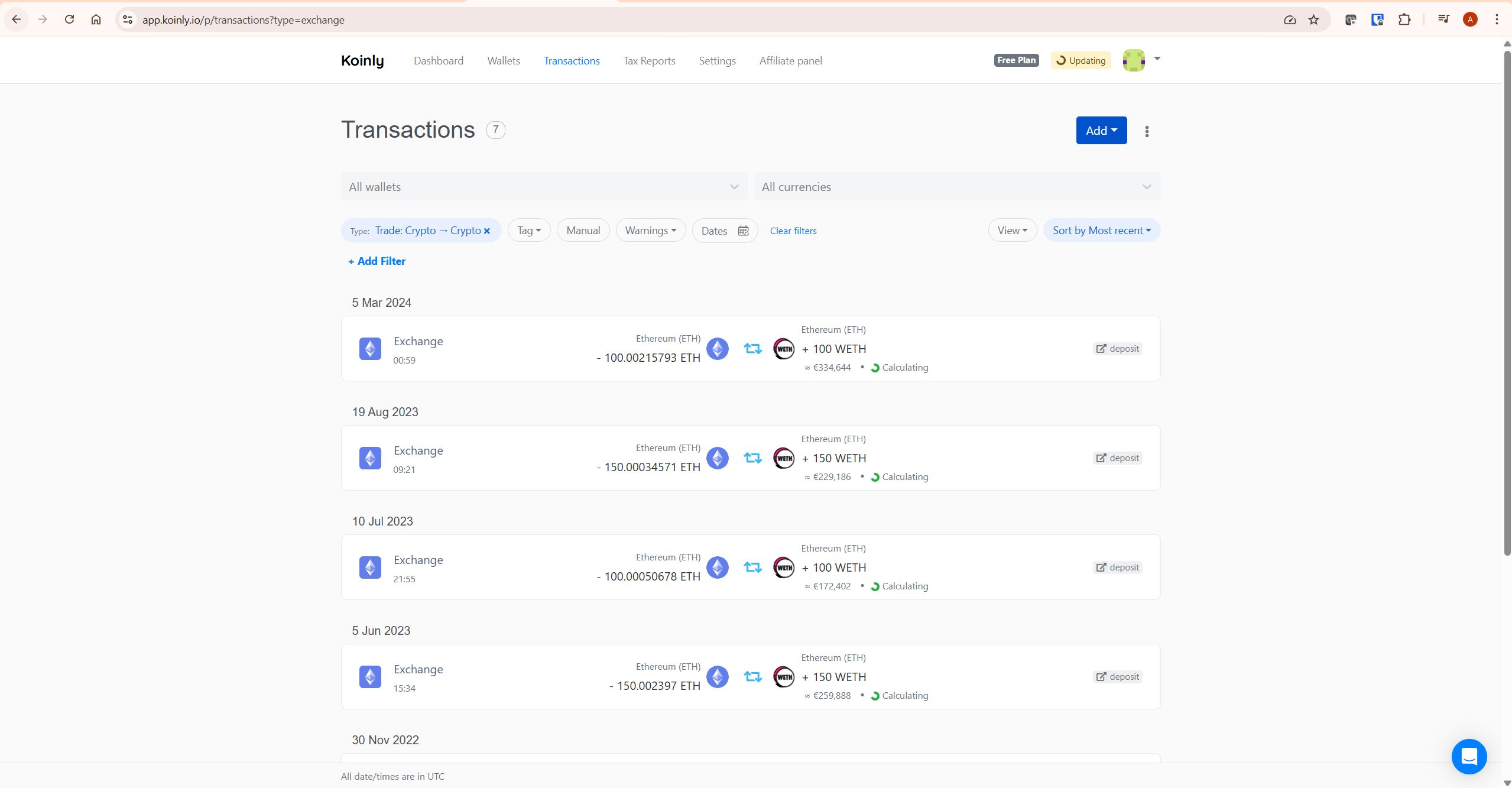
The consequence: if you staked 10 ETH, Koinly may show a disposal of 10 ETH at market price (creating a taxable gain), and a later acquisition of 10 ETH when you unstake (resetting your cost basis to the unstaking date price). Your actual position — you sent ETH to a contract temporarily and got it back — has been converted into a fictional round-trip trade with tax implications. This is the problem every tag in this guide is designed to fix.
Koinly DeFi Tag Reference: What Each Tag Does
Before working through each DeFi transaction type, here is the complete reference for the tags relevant to DeFi activity and what each one does to your tax report.
| Tag | Applied to | Effect on tax report |
|---|---|---|
| Add to Pool | Deposits (staking / LP deposits) | Marks the deposit as non-taxable — asset moves to Koinly’s hidden pool wallet, not treated as sold |
| Remove from Pool | Withdrawals (unstaking / LP exits) | Marks the withdrawal as non-taxable — asset returns from pool wallet, cost basis preserved from original acquisition |
| Reward | Deposits (staking rewards received) | Marks the deposit as income — FMV at receipt added to income total; cost basis set to FMV on that date |
| Swap | Deposits or withdrawals | Marks transaction as a like-kind exchange — cost basis transfers to new asset, no gain or loss realised |
| Airdrop | Deposits (unsolicited token receipts) | Marks as income if toggle is ON; marks as zero-cost acquisition if toggle is OFF |
| Lost | Withdrawals (tokens lost or stolen) | Marks as a disposal with no proceeds — creates a capital loss equal to the cost basis |
| Spam | Any transaction | Excludes transaction entirely from all calculations and billable count |
Fixing Staking Transactions in Koinly
Staking is the most common source of DeFi labelling errors in Koinly. The fix depends on what type of staking you are doing and whether Koinly auto-tagged the transactions correctly.
Centralised Exchange Staking — Usually Automatic
If you stake on a centralised exchange such as Binance or Kraken, Koinly generally imports and tags your staking rewards automatically when connected via API — though this depends on the exchange and the specific staking product used. Your rewards should appear as Reward-tagged deposits, and the staking deposit and unstaking events should be handled correctly without manual intervention in most cases. Check your Transactions tab after importing to confirm the Reward tag is present on your reward deposits. If it is not, apply it manually as described below.
On-Chain Staking (Self-Custody) — Requires Manual Tagging
On-chain staking via a smart contract — staking ETH via Lido, staking SOL via a validator, staking CAKE on PancakeSwap — typically imports without correct tags because blockchain explorers report these as simple deposits and withdrawals with no context about where the tokens went.
Here is the fix for each transaction type:
- Staking deposit (sending tokens to the staking contract) — this imports as a withdrawal (disposal) by default. Tag it as Add to Pool. This tells Koinly the tokens moved to the pool wallet and were not sold. No taxable event is created.
- Unstaking (receiving tokens back from the staking contract) — this imports as a deposit (acquisition at market price) by default. Tag it as Remove from Pool. This tells Koinly the tokens returned from the pool wallet. The original cost basis is preserved.
- Staking rewards (additional tokens received as income) — these import as untagged deposits (acquisitions at market price) by default. Tag them as Reward. This tells Koinly to treat them as income at the fair market value on the date received — which is the correct tax treatment in most jurisdictions. The cost basis of each reward is set to its FMV on the date received, so any future disposal is calculated from that basis.
To apply tags in Koinly: go to Transactions, find the relevant transaction, click on it to open the detail view, and select the appropriate tag from the tag dropdown. For large numbers of reward transactions, use the bulk tag feature — filter by wallet, date range, and transaction type, then select all and apply the Reward tag in bulk.
Before bulk tagging, review a sample of the filtered transactions to confirm they are all the same type — bulk applying the wrong tag to a large set of transactions creates errors that are time-consuming to reverse. Full details on staking and farming token handling are in Koinly’s official staking and farming guide.
Accumulating Staking Pools
Some staking pools — including PancakeSwap’s CAKE pool and SOL staking on Solana — are accumulating pools where rewards are added to the staked balance and returned together with the principal when you unstake. Koinly may show a “Missing purchase history” warning on these because the returned balance includes tokens that were never separately recorded as acquired.
The fix is the same — tag the initial deposit as Add to Pool and the final return as Remove from Pool, then separately add a manual Reward deposit for the rewards portion at their FMV on the dates they accrued, if you have that data from the protocol.
Fixing Liquidity Pool (LP) Transactions in Koinly
Liquidity pool activity is more complex than staking because it involves multiple assets and the amounts returned on exit are often different from the amounts deposited — due to impermanent loss or fee accrual. Koinly has substantially improved its automatic LP handling in recent updates, but gaps remain for less common protocols.
Supported LP Protocols — Usually Automatic
Koinly supports liquidity transactions on Ethereum, Binance Smart Chain, Polygon, Avalanche, Fantom, Cronos, Arbitrum, Solana, and most other EVM blockchains. For supported protocols including Uniswap, SushiSwap, PancakeSwap, and Balancer, Koinly automatically imports and tags LP deposits as Liquidity In and LP exits as Liquidity Out. If your LP activity on a supported chain is correctly tagged, no further action is needed.
When LP Tags Are Missing — Manual Fix
If LP farming transactions imported as regular deposits and withdrawals without Liquidity In/Out tags, apply the pool tags manually:
- LP deposit (sending assets to the pool) — tag the withdrawal of your base assets as Add to Pool. If you received an LP token in return, that LP token deposit should also be tagged as Add to Pool so Koinly knows it represents your pool position and not a new acquisition.
- LP exit (receiving assets back from the pool) — tag the withdrawal of LP tokens as Remove from Pool and tag the returned base assets as Remove from Pool. The amounts returned may differ from what you deposited due to impermanent loss or fee accrual — Koinly handles this difference when the correct pool tags are applied, but review the resulting figures after tagging to confirm they look correct.
- LP farming rewards — any additional reward tokens received while farming LP tokens should be tagged as Reward (income at FMV on receipt).
One important note: the pool tags work by moving assets to and from Koinly’s hidden pool wallet. You should only Remove from Pool as much as you previously Added to Pool — otherwise Koinly will flag a “Missing purchase history” warning because the pool wallet has no record of the asset entering.
Concentrated Liquidity Protocols (Uniswap V3)
Concentrated liquidity market maker protocols like Uniswap V3 and PancakeSwap V3 use an NFT to represent your position rather than a fungible LP token. These NFTs lack the per-transaction share information Koinly needs to automatically calculate gain or loss on position entry and exit. Koinly does support popular CLMM protocols including Uniswap V3, PancakeSwap V3, Orca Concentrated Liquidity, and Meteora DAMM2 — but for any unsupported CLMM protocol, manual transaction entries may be required to correctly represent the liquidity position. Check Koinly’s help centre for guidance specific to your protocol if the automatic import does not look correct.
The Rewards Toggle: Income vs Zero Cost Basis
One Koinly setting has a significant impact on how staking and other reward transactions affect your tax report: Settings → Treat rewards/airdrops/mining as income.
This toggle applies to all transactions tagged as Reward, Airdrop, Fork, or Mining. Understanding both states is important before deciding which to use — and the correct setting depends on your jurisdiction’s tax treatment of staking income.
Toggle ON — Income Reported at Receipt
When the toggle is ON, Koinly adds the fair market value of each reward deposit to your income total for the year it was received. The cost basis of the reward tokens is set to that same FMV. When you later sell the reward tokens, Koinly calculates capital gain or loss from the FMV-as-cost-basis — which is usually a smaller gain or a loss if the asset depreciated.
This setting reflects the tax treatment required in many major jurisdictions — including the US, UK, Australia, and Canada — where staking rewards are generally treated as income at the time of receipt. If you are in one of these countries, the toggle is likely to need to be ON — but confirm with a qualified tax professional for your specific situation before relying on this setting.
Toggle OFF — No Income, Full Capital Gain on Sale
When the toggle is OFF, Koinly does not record any income at the time rewards are received. The cost basis of the reward tokens is set to zero. When you later sell them, the entire sale proceeds are treated as a capital gain — because the cost basis is zero.
This setting is beneficial if the reward tokens depreciate significantly after receipt — because you avoid paying income tax on a value that no longer exists by the time you sell. However, it is only the correct setting if your jurisdiction does not treat staking rewards as income on receipt. A small number of countries have this treatment. Confirm the correct setting for your jurisdiction with a qualified tax professional before changing it.
| Toggle State | Income at receipt | Cost basis of rewards | Capital gain on sale | Best if |
|---|---|---|---|---|
| ON | FMV on date received — added to income total | FMV on date received | Sale price minus FMV at receipt | Your jurisdiction treats rewards as income on receipt — confirm with a tax professional (common treatment in the US, UK, Australia, Canada and many others) |
| OFF | No income recorded | Zero | Full sale proceeds — entire amount is gain | Your jurisdiction does not tax rewards as income on receipt — confirm with tax professional |
How to Find DeFi Labelling Issues in Koinly
Before making any tag corrections, use Koinly’s built-in tools to identify which transactions need attention.
Check the Warnings Filter
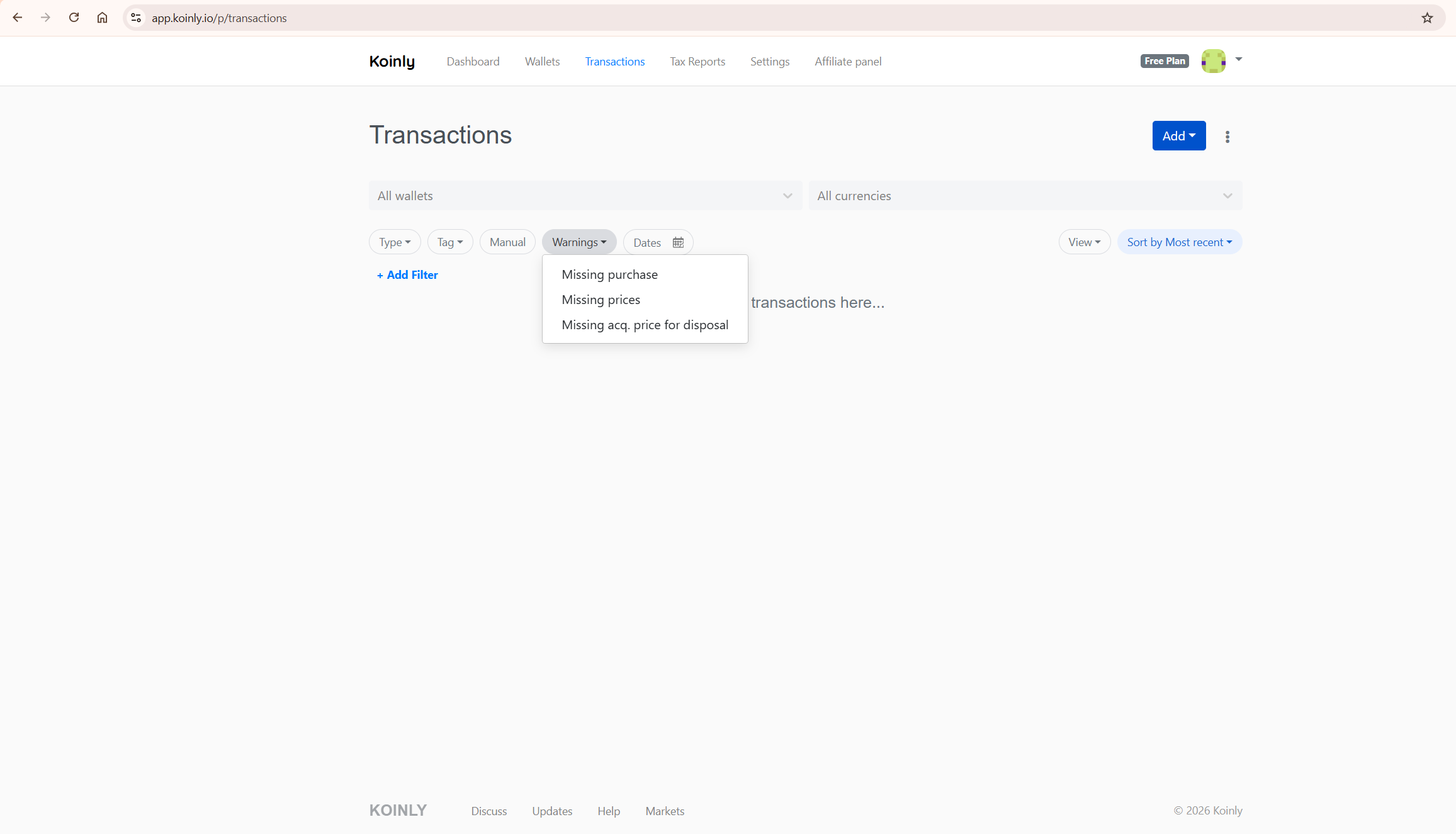
Go to Transactions and enable the Warnings filter. This surfaces every transaction Koinly has flagged as potentially incorrect — including missing purchase history (often caused by untagged staking deposits that were treated as disposals, eliminating the cost basis record) and unmatched transfers. Resolving warnings is the highest-priority task before generating any tax report.
Filter by Wallet
If you know which wallets contain DeFi activity, filter the Transactions tab by wallet to see only the transactions from that source. Review the tag column for each transaction. Any staking-related withdrawal without an Add to Pool tag, or any staking reward deposit without a Reward tag, needs to be corrected.
Check the Dashboard Income Total
If your income total on the Koinly dashboard looks far higher than your staking rewards justify, check whether some large transactions — LP exits or unstaking events — have been incorrectly categorised as income events rather than pool returns. This can happen when Remove from Pool is missing and the returned assets are treated as new deposits — pushing their full market value into the income column rather than recognising them as the return of a pooled position.
The income figure should reflect only genuine income: staking rewards, mining proceeds, and similar — not the return of principal from a staking or LP position.
If your gains or income figures look significantly wrong after reviewing your DeFi labels, see our guide on fixing wrong gains in Koinly and our guide on Koinly missing transactions for the complete data resolution process.
Common DeFi Labelling Mistakes in Koinly
Treating Staking Deposits as Sales
The most common mistake. When you stake tokens on-chain, the withdrawal from your wallet imports without a tag. Without a tag, Koinly treats it as a disposal — generating a capital gain or loss on tokens you never sold. Apply Add to Pool to convert this from a taxable event to a neutral pool transfer.
Not Tagging Reward Deposits
Staking reward deposits without a Reward tag are treated as acquisitions at market price — which means they appear in Koinly’s capital assets pool rather than your income report. Your income total will be understated and your cost basis pool will be overstated. Apply the Reward tag so Koinly correctly separates income from capital acquisitions.
Using the Swap Tag Incorrectly
The Swap tag transfers the cost basis from one asset to a new asset without realising a gain — it is designed for like-kind token migrations (such as a protocol token swap where the same value moves from one token to another). It is not the correct tag for staking deposits or LP entries, where you are not swapping one token for another but rather temporarily locking tokens in a contract. Using Swap on a staking transaction will transfer the cost basis incorrectly and produce wrong figures on sale.
Mixing API and Manual Entries on the Same Wallet
If you have both an API connection and manual CSV imports for the same DeFi wallet, you may have duplicate transactions — one set tagged correctly by the API and one set untagged from the manual import. Duplicate transactions count double toward your billable transaction count and create incorrect gain calculations. Review any DeFi wallet that uses both import methods for duplicates before applying tag corrections.
What To Do Next
Open your Koinly account and go to Transactions. Enable the Warnings filter and work through every flagged transaction. For any staking-related withdrawal without Add to Pool, apply the tag. For any unstaking deposit without Remove from Pool, apply the tag. For reward deposits without the Reward tag, apply it in bulk using the filter and bulk tag feature. Check Settings to confirm the rewards income toggle reflects your jurisdiction’s tax treatment. Review your dashboard income total and capital gains preview to confirm they look correct after the corrections.
If you are new to Koinly, see our full Koinly review for a complete platform overview. For the broader picture of how Koinly handles DeFi and NFTs, see our Koinly for DeFi and NFTs guide. For plan costs, see our Koinly pricing guide.
Start with Koinly free here — check your DeFi transaction labels and review your warnings before purchasing any report.
Frequently Asked Questions
Why are my Koinly DeFi transactions showing incorrect gains?
The most likely cause is default transaction labels. Without tags, Koinly treats all withdrawals as disposals and all deposits as acquisitions. Staking a token — which sends it to a contract temporarily — appears as a taxable sale. Receiving staked tokens back appears as a new purchase at today’s price. These defaults create false round-trip trades with large apparent gains that you do not actually owe. Fix this by applying Add to Pool to staking deposits and Remove from Pool to unstaking events.
Does Koinly handle DeFi automatically?
Partially. Koinly automatically imports DeFi activity from supported protocols on Ethereum, Binance Smart Chain, Polygon, Avalanche, Solana, and most other EVM chains. For well-supported protocols, liquidity and staking transactions are tagged automatically. For less common protocols, on-chain staking via smart contracts, or accumulating staking pools, manual tagging is often required. Centralised exchange staking is generally handled automatically when connected via API.
What tag should I use for staking in Koinly?
Three tags are involved: Add to Pool for the initial staking deposit (sending tokens to the contract), Remove from Pool for the unstaking event (receiving tokens back), and Reward for the staking reward income deposits. The Add to Pool and Remove from Pool tags prevent the staking activity from creating false taxable events by routing the tokens through Koinly’s hidden pool wallet. The Reward tag ensures reward income is correctly separated from capital acquisitions.
Should I turn on “Treat rewards as income” in Koinly?
In most jurisdictions — including the US, UK, Australia, and Canada — staking rewards are treated as income at the time of receipt, so the toggle should generally be ON. When ON, Koinly records the fair market value of each reward as income and sets the cost basis of the reward tokens to that same value. When OFF, no income is recorded and the cost basis is zero, meaning the entire sale proceeds become a capital gain when you eventually sell. Confirm the correct setting for your specific jurisdiction with a qualified tax professional before changing it.
What is the difference between Add to Pool and Swap in Koinly?
Add to Pool moves tokens to Koinly’s hidden pool wallet without triggering a disposal — preserving the original cost basis for when the tokens return. Swap transfers the cost basis from one asset to a new asset without realising a gain, designed for token migrations where the same value moves from one token to another. Using Swap on staking deposits is incorrect and will produce wrong cost basis figures on the staked asset.
How do I fix LP farming transactions in Koinly?
For supported protocols since February 2024, LP farming is handled automatically with Liquidity In and Liquidity Out tags. If LP transactions imported without these tags, apply Add to Pool to LP deposits (including the LP token received) and Remove from Pool to LP exits (both the LP token withdrawal and the assets received back). Any farming rewards received on top of the LP position should be tagged as Reward. The amount returned on LP exit may differ from the amount deposited due to impermanent loss or fee income — Koinly handles this difference when the correct pool tags are applied.
Why does Koinly show “Missing purchase history” on my staked tokens?
This warning appears when Koinly sees a disposal of an asset it has no acquisition record for. On staked tokens, one common cause is when the staking deposit was not tagged as Add to Pool — so Koinly treated it as a disposal, removing the cost basis record from the asset pool. When the tokens return from unstaking, Koinly has no record of how you originally acquired them.
Applying Add to Pool to the original staking deposit moves the transaction into the pool wallet system. The subsequent Remove from Pool on unstaking then correctly returns the tokens with their original cost basis. Other causes include importing wallets out of order or missing earlier purchase history — check your full import history if the warning persists after applying the pool tags.
What if I am unsure whether my DeFi activity is taxable in my country?
DeFi tax treatment varies significantly by jurisdiction and by transaction type, and official guidance has not fully caught up with the pace of DeFi innovation. In many countries, liquidity pool activity, wrapped token swaps, and complex multi-step DeFi interactions do not yet have clear official rulings.
Koinly applies its best interpretation of common tax treatments, but correct tagging of edge cases — particularly cross-chain bridges, protocol migrations, and concentrated liquidity positions — often requires a qualified crypto tax professional to review. If you are uncertain whether a specific DeFi transaction is taxable in your country, do not apply a tag that removes the gain from your report without first confirming the tax treatment with a professional.
The Bottom Line
Koinly DeFi transaction labelling is where most investors lose accuracy in their tax reports — not because Koinly is wrong, but because the default labels are conservative defaults that assume the simplest interpretation of every blockchain event. Correcting them is straightforward once you know which tag to apply to which transaction type.
One important caveat: applying the correct Koinly tags means your report reflects the most common tax treatment for each transaction type. It does not mean the report is guaranteed to be correct for your specific jurisdiction or situation. DeFi tax rules are still evolving in most countries, and some transaction types — cross-chain bridges, protocol migrations, complex LP positions — may have different tax treatment depending on local guidance. Use Koinly’s corrections as the starting point, not the final word, and review your report with a qualified crypto tax professional if you have material DeFi activity.
Work through your warnings filter first. Apply Add to Pool and Remove from Pool to staking activity. Apply Reward to income deposits. Check your rewards income toggle matches your jurisdiction. Then review your dashboard figures. An accurate DeFi tax report in Koinly is entirely achievable — it just requires these corrections before you generate the report, not after.
Ready to check your DeFi labels? Start with Koinly free here — review your transaction tags and warnings before purchasing any plan.
Related reading:
- Koinly for DeFi and NFTs: How Well Does It Handle Complex Crypto?
- Koinly Showing Wrong Gains? How to Fix Cost Basis Errors
- Koinly Missing Transactions: Complete Fix Guide (2026)
- Koinly Review: Is It the Best Crypto Tax Software in 2026?
- Koinly Pricing: Plans, Limits & Which One You Actually Need
