
Semrush Pricing Explained: Best Honest Plan Breakdown for 2026
Affiliate Disclosure: This site earns revenue through affiliate partnerships with other platforms. This article does not currently contain affiliate links for Semrush. Any tool recommendations are based on independent research and publicly available data.
Last verified: August 2026, cross-checked against Semrush’s own knowledge base and pricing page, plus multiple independent sources that read the live pricing page directly this month.
I’m Andreas Maratheftis, and after 30 years in professional finance, I evaluate every tool the same way I’d evaluate any operational cost: what does it actually charge you, and what does that number hide? Here’s something worth knowing before you read any other Semrush pricing guide: if it quotes “Pro at $139.95, Guru at $249.95, Business at $499.95” as the current plans, it’s describing a lineup Semrush has since restructured. Those names still exist in Semrush’s documentation for existing subscribers, but they’re no longer what a new buyer sees on the pricing page.
This guide covers what Semrush pricing actually looks like today, what the old plan names mean if you still see them, and where the real hidden costs sit.
- Semrush’s current pricing page shows SEO ($139/mo), Starter ($199/mo), Pro+ ($299/mo), and Advanced ($549/mo) — Semrush’s Help Center still separately documents the older Pro/Guru/Business names, which is why you’ll still see them in some documentation and older reviews
- Every paid plan includes just one user seat — extra seats add $45–$100/month depending on tier, and full AI visibility access for an added user can cost more on top of that
- SEO and Starter share the same headline capacity (5 sites, 500 keywords) — SEO already includes limited AI-search visibility features, and the $60/month gap to Starter buys the fuller AI Visibility bundle, not more research capacity
- Higher tiers unlock real features, not just higher limits — historical data, content optimization, and API access are genuine feature gates, not just bigger numbers
- A free $0/month plan exists with no credit card required, covering one demo project and 10 reports/day — enough to test the interface, not enough for real ongoing work
Quick Answer: What Does Semrush Cost Right Now?
Semrush’s current public lineup is SEO at $139/month, Starter at $199/month, Pro+ at $299/month, and Advanced at $549/month, each roughly 17% cheaper on annual billing. A free $0/month plan also exists with limited daily usage. SEO already includes some AI-search visibility; Starter, Pro+, and Advanced bundle in the fuller AI Visibility Toolkit on top of SEO capacity. If you’ve seen “Pro, Guru, Business” quoted elsewhere, that’s not necessarily outdated — Semrush’s Help Center still documents those names separately from the main pricing page — see the section below for how the two relate.
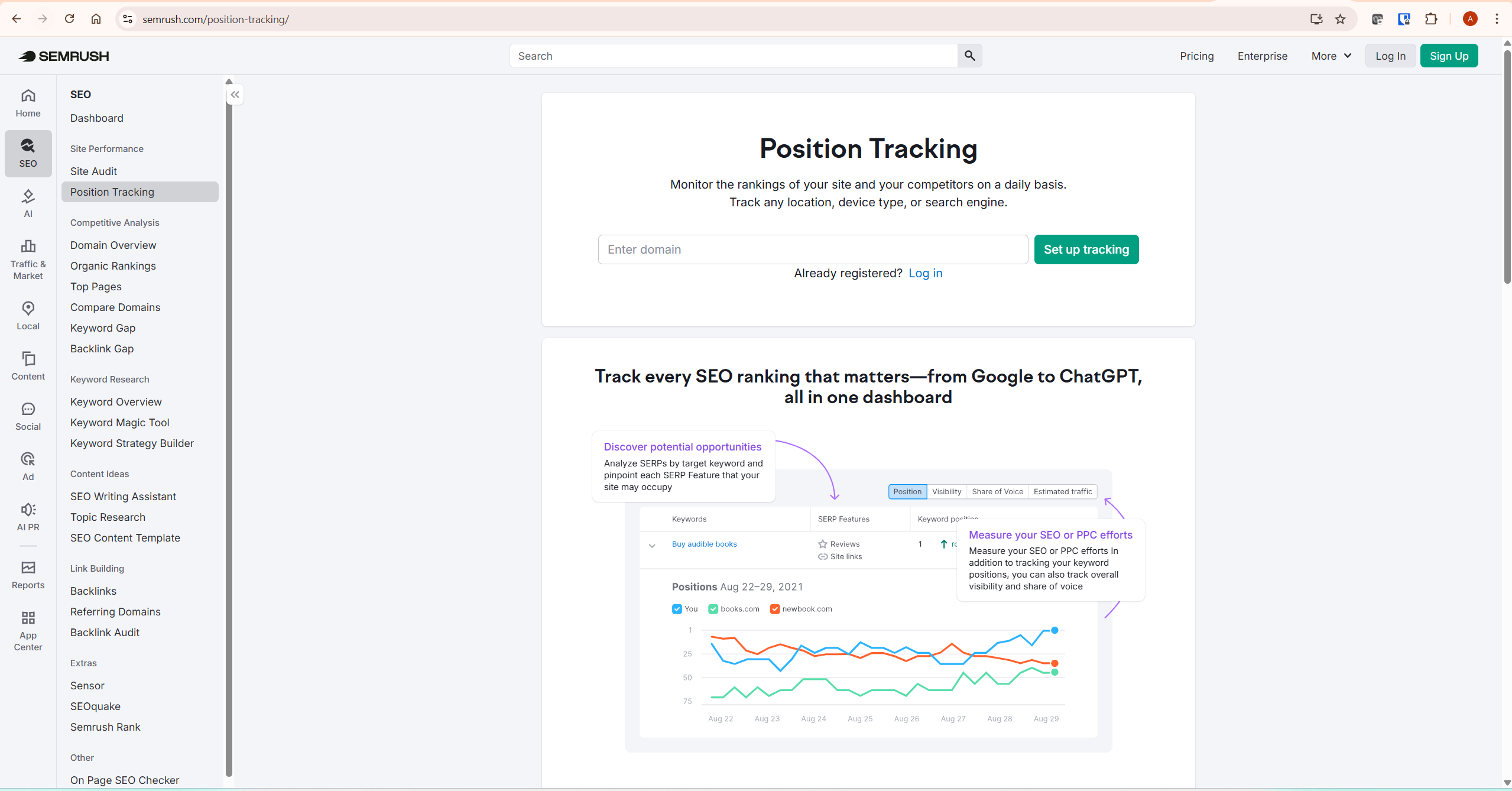
Current Semrush Pricing at a Glance
| Plan | Monthly | Annual (per mo) | Websites to Monitor | Tracked Keywords | Best For |
|---|---|---|---|---|---|
| Free | $0 | — | 1 (demo) | 10 | Testing the interface only |
| SEO | $139 | $117.33 | 5 | 500 | Core SEO with limited AI-search visibility |
| Starter | $199 | $165.17 | 5 | 500 | Same SEO capacity, plus the fuller AI Visibility bundle |
| Enterprise | Custom | Custom | Custom | Custom | Large organizations, SSO/governance needs |
| Pro+ | $299 | $248.17 | 15 | 1,500 | Content publishers, affiliates, agencies with several clients |
| Advanced | $549 | $455.67 | 40 | 5,000 | Larger agencies, API-dependent workflows |
Semrush pricing verified August 2026 directly against semrush.com and Semrush’s knowledge base. Plans and limits have changed materially in 2026 — always confirm current figures at semrush.com before purchasing.
What Happened to Semrush Pro, Guru, and Business?
If you’ve researched Semrush before, you probably learned three names: Pro, Guru, Business. Nearly every older guide, comparison article, and video review still uses them — and Semrush’s own Help Center still documents those names, prices, and limits today. What’s changed is the main pricing page: it now leads with SEO, Starter, Pro+, and Advanced instead. So both sets of names are currently real — you’re just looking at two different parts of Semrush’s site. The pricing page is the one to use when actually subscribing; the Help Center references are useful mainly if you’re on an older plan or comparing documentation.
The mapping, useful if you’re comparing the pricing page to Help Center documentation: Starter’s capacity matches what Pro documents, Pro+ matches Guru’s limits, and Advanced matches Business’s. Starter, Pro+, and Advanced bundle that SEO capacity with the full AI Visibility Toolkit in one subscription. The AI Visibility Toolkit can also be purchased as a standalone add-on (around $99/month per domain) on top of a plain SEO plan, if you don’t want the full bundle.
The Plans in Detail
SEO ($139/month)
The entry plan — keyword research, site audit, backlink analytics, and position tracking for up to 500 keywords across 5 monitored websites. SEO already includes some AI-search visibility: tracking performance in AI search, monitoring AI sentiment, and AI visibility reports for any domain. It does not include the fuller AI Visibility Toolkit (daily prompt tracking at volume, dedicated brand-performance domain tracking) that Starter and above add. For a solo blogger or single-site affiliate operator focused primarily on traditional Google rankings, SEO is the realistic starting point.
Starter ($199/month)
Shares the same headline capacity as SEO — 5 websites, 500 keywords — but bundles the fuller AI Visibility Toolkit on top: 50 tracked prompts daily, one domain for AI brand performance, and 300 AI visibility reports per day. The $60/month gap over SEO buys that fuller AI-visibility workflow, not more core research capacity. Worth paying if daily prompt tracking and brand-performance monitoring across AI platforms is a real, current part of your strategy — if you only need the basic AI-search signals, SEO already includes those for less.
Pro+ ($299/month)
This is where real feature gates appear, not just bigger numbers. Pro+ adds historical SEO data, content optimization tools, keyword-cannibalization analysis, and multi-location/device tracking — on top of expanded capacity (15 websites, 1,500 keywords). For anyone running structured content clusters across multiple topics, Pro+ is typically the more realistic plan than SEO or Starter, once tracking needs outgrow the 500-keyword ceiling.
Advanced ($549/month)
Built for larger agencies. Adds Share of Voice reporting and API access on top of the highest capacity tier (40 websites, 5,000 keywords). Unless you’re managing multiple client accounts or need programmatic data access, this plan is well beyond what an individual publisher needs.
What Semrush Pricing Doesn’t Show You
This is the part most Semrush pricing guides skip, and it’s where the real cost surprises live.
Extra user seats. Every plan ships with one user seat by default. Adding a second person costs roughly $45/month on SEO or Starter, $80/month on Pro+, and $100/month on Advanced — confirmed across independent pricing trackers as of August 2026. Separately, Semrush’s own knowledge base confirms that tracking an additional domain for AI brand performance costs $99/month per domain, and 50 extra daily prompts cost $60/month — worth factoring in if your AI-visibility needs extend beyond what your plan’s base allowance covers, on top of the per-seat cost.
Add-on toolkits. Local SEO, Social Media, Content, Advertising, and Traffic & Market toolkits sit outside core Semrush pricing entirely — each is sold separately, with its own monthly fee. None are required for standard keyword research and content SEO. If your billing is annual, new add-ons are generally aligned to your existing annual term rather than billed as a fresh monthly charge — worth confirming with Semrush directly before assuming a flat monthly add-on rate if you’re already on an annual plan.
The Content Toolkit is its own product now. If you’re used to older documentation describing Guru as including a bundled Content Marketing Platform, note that Semrush now also sells a standalone Content Toolkit (topic research, SEO briefs, content optimization) as a separate subscription. Don’t assume higher-tier plans automatically include everything under today’s Content Toolkit — check what’s actually bundled into your specific plan before relying on it.
Website and keyword ceilings. The 500-keyword limit on SEO or Starter fills up faster than expected once you’re tracking primary terms, long-tail variants, and comparison modifiers across several content clusters. Removing a tracked keyword to make room for a new one erases that keyword’s historical position data.
For the exact current figures on any of this, Semrush’s own SEO & AI Search pricing page and SEO Toolkit pricing and limits documentation are the primary sources worth bookmarking — pricing structures like this change often enough that a guide like this one is a starting point, not the final word.
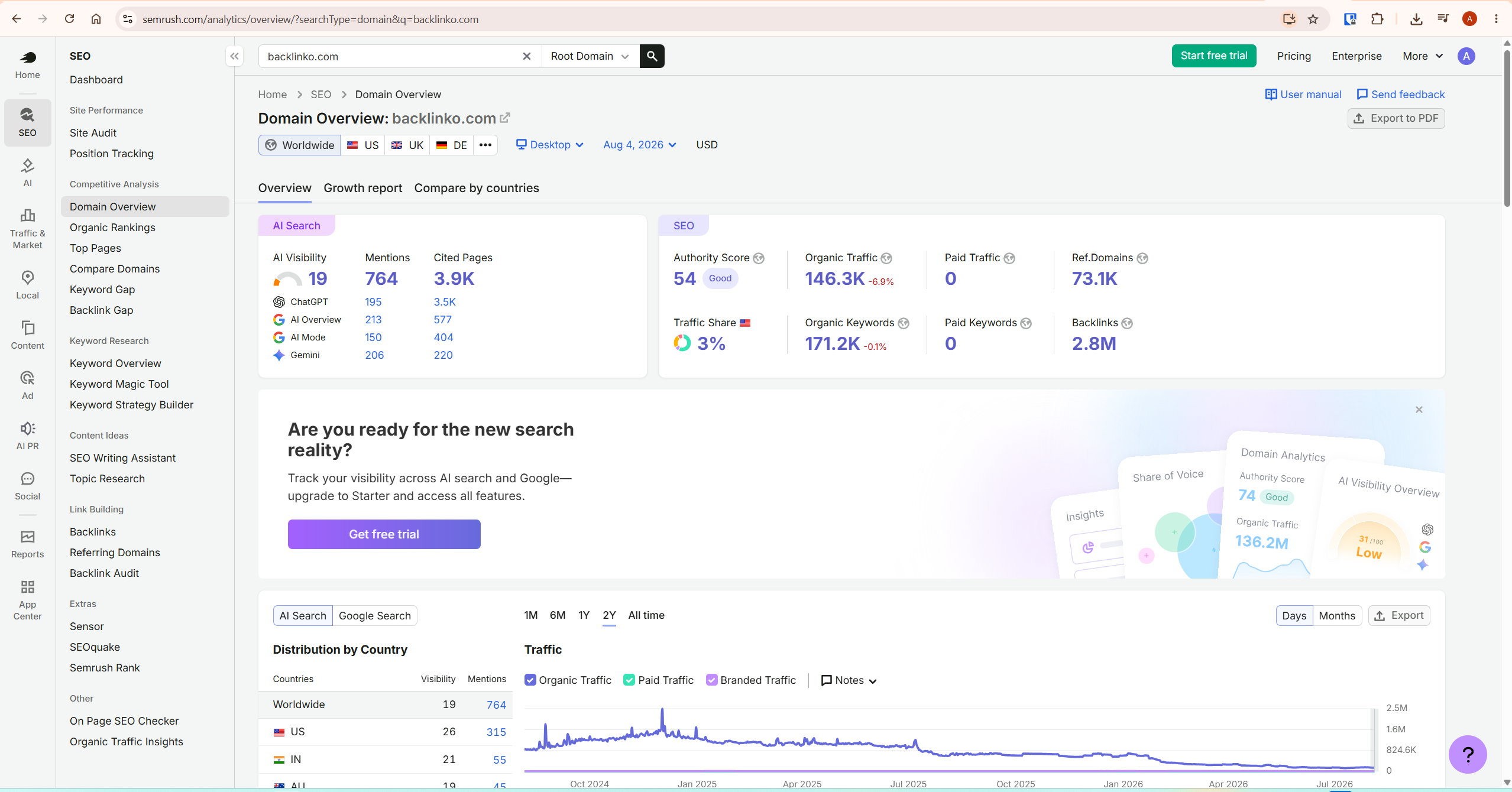
Semrush Pricing: Monthly vs Annual Billing
Monthly billing costs more per month but lets you cancel or change plans without commitment. Annual billing saves roughly 17% on plan cost — though it’s worth remembering that’s a single upfront charge for the full year, not twelve smaller payments. Add-ons purchased while on an annual plan are generally charged as a one-time prorated amount aligned to your existing renewal date, rather than billed separately from scratch.
My practical recommendation: start monthly for 60–90 days. Use that window to check whether the keyword and website limits actually constrain your workflow, and whether the tools you’re paying extra for (AI visibility, historical data) are genuinely informing decisions. If the platform is part of your real weekly routine after that window, switch to annual for the discount.
Choosing the Right Semrush Pricing Tier
Choose SEO if you run one or two sites, want core keyword research and auditing, and don’t need AI-visibility tracking yet. This is the leanest starting point for a solo affiliate blogger focused on traditional search rankings.
Choose Starter when you specifically need the fuller AI Visibility workflow — daily prompt tracking at volume, dedicated brand-performance monitoring — rather than the more limited AI-search signals already included in SEO. If basic AI-search awareness is enough, SEO covers it for $60/month less.
Choose Pro+ if you’re running structured content clusters, need historical keyword data, or keep hitting the 500-keyword ceiling. For a content-heavy site tracking multiple terms per article, this limit can arrive sooner than expected — worth watching your own usage rather than assuming a fixed article count as the trigger point.
Choose Advanced only if you manage multiple client accounts or need API access at scale. For an individual operator, this tier is almost always more than you need.
For the full feature breakdown across all tiers, see my complete Semrush review. For a deeper look at whether the investment makes sense at your specific stage, see is Semrush worth it.
When Semrush Pricing Doesn’t Make Sense
An honest pricing guide has to say when not to buy. If you publish rarely and don’t actively use auditing, competitor research, or rank tracking, the subscription is difficult to justify at any tier. It’s also not worth it if you haven’t validated your niche yet — a structured SEO platform works best once you know what you’re actually optimising for. And it isn’t a substitute for writing: no keyword tool compensates for a site that isn’t publishing consistently.
What To Do Next
Before choosing a plan, spend 10 minutes on Semrush’s free tools at semrush.com — or the $0 Free plan, which needs no credit card. Understanding Semrush pricing in the abstract matters less than testing it against your real workflow: search your primary focus keyword and note the difficulty score, then run a competitor’s domain through Domain Overview. That tells you whether the platform surfaces anything genuinely new to you. If it does, start on monthly SEO billing, track your actual usage against the limits for 60–90 days, and only move to Starter, Pro+, or annual billing once you know what you actually need.
Frequently Asked Questions
What happened to Semrush Pro, Guru, and Business?
Semrush’s current main pricing page now shows SEO, Starter, Pro+, and Advanced. Semrush’s Help Center still documents the older Pro, Guru, and Business SEO Toolkit tiers and their limits, which is why you may still encounter those names in Semrush’s own documentation and in older reviews.
Does Semrush have a free plan?
Yes — a $0/month Free plan requires no credit card and includes one demo project and 10 reports per day across core tools, plus limited AI visibility features. It’s enough to test the interface but not sufficient for ongoing SEO work. Confirm current limits at semrush.com, since free-tier details can shift.
Why is my Semrush pricing bill higher than the advertised price?
The most common reason is extra user seats — each plan includes one seat by default, and additional users add roughly $45–$100/month depending on tier. Add-on toolkits are also billed separately from the core plan. Check your account’s seat count and active add-ons if your invoice doesn’t match the pricing page.
What’s the difference between SEO and Starter?
They share identical headline capacity — 5 monitored websites, 500 tracked keywords. SEO already includes basic AI-search visibility (tracking AI search performance, AI sentiment, AI visibility reports). The $60/month gap to Starter buys the fuller AI Visibility Toolkit: 50 daily tracked prompts, dedicated brand-performance domain tracking, and 300 AI visibility reports per day. If your AI-visibility needs are light, SEO’s built-in features may already be enough.
Can I switch plans after subscribing?
Upgrades use prorated credit for the unused portion of your current plan, applied immediately. Downgrades are handled by contacting Semrush Support directly rather than a simple self-serve switch — reach out to them to confirm the effective date before assuming it happens automatically at your next billing cycle.
What happens to my data if I cancel?
Per Semrush’s cancellation documentation, paid Website Monitoring data is kept for a 30-day grace period after cancellation. If the paid subscription isn’t restored within that window, data is reduced to free-plan limits, with only the oldest monitored website retained. Export your position tracking history and keyword lists before cancelling if you want to keep them — worth reconfirming this figure in your own account, since retention policies can change.
Final Verdict
If I had to summarise Semrush pricing in one sentence: the plan names changed in 2026, but the underlying lesson hasn’t — the advertised number is a starting point, not the final cost, and seats, add-ons, and usage limits matter more than the headline price. SEO is a fair starting plan for a solo operator focused on traditional search. Pro+ earns its cost once you’re running real content clusters. Advanced is agency territory only. Start monthly, test it against your actual workflow, and commit annually once you’re sure — not before.
For the complete feature-by-feature breakdown, read my full Semrush review.
