
Koinly Form 1099-DA: The Honest 2026 Answer for Investors
Affiliate Disclosure: This article contains affiliate links. If you sign up for Koinly through a link on this page, I may earn a commission at no extra cost to you. I only recommend tools I have researched and believe are worth your time.
Tax Disclaimer: This article is for informational purposes only and does not constitute professional tax or financial advice. Tax laws vary by country and change frequently. Consult a qualified tax professional for advice specific to your situation.
If a Form 1099-DA landed in your inbox this year and the numbers look higher than you expected, you are not imagining it — and you are not alone. Koinly form 1099-DA support exists specifically because the IRS itself has confirmed that most 2025 tax year 1099-DA statements are expected to show proceeds without cost basis information, which means the gain figure on the form is likely to be inflated.
I am Andreas Maratheftis — thirty years in professional finance — and the pattern I see with every new IRS reporting requirement is the same: the form arrives before the infrastructure to make it accurate does. This guide explains exactly what Form 1099-DA is, why your figures may look wrong, and how Koinly’s reconciliation feature helps you file an accurate return regardless of what the form says.
If you want to check how your Koinly figures compare to your 1099-DA before filing, the free plan lets you preview your full capital gains position: check your Koinly figures here.
Koinly Form 1099-DA: Quick Answer
Yes, Koinly supports Form 1099-DA. You can upload the 1099-DA forms you receive from your exchanges directly into Koinly’s tax reports section, and Koinly reconciles them against your imported transaction history. For the 2025 tax year, your 1099-DA is expected to show your gross proceeds without cost basis — the IRS confirmed brokers are not required to report cost basis under current transition rules until transactions from 2026 onward.
Koinly calculates your actual cost basis from your full transaction history and generates a Form 8949 with the correct checkboxes already applied. You do not have to upload your 1099-DA to Koinly for this to work — Koinly’s calculation stands on its own — but uploading it helps you identify and explain any differences before you file.
What Is Form 1099-DA?
Form 1099-DA is the first IRS tax form built specifically for digital assets. It reports the gross proceeds from digital asset sales and exchanges that took place on a broker’s platform — centralized crypto exchanges, in practice. Under final IRS regulations, brokers must report gross proceeds for transactions effected on or after 1 January 2025, with cost basis reporting following for transactions from 1 January 2026 onward. The IRS confirmed that statements showing 1099-DA information were due to taxpayers by 17 February 2026, though some exchanges filed extensions and issued forms later.
This is the US equivalent of what other countries are introducing through different frameworks — the UK, EU, and dozens of other jurisdictions are implementing the OECD’s Crypto-Asset Reporting Framework (CARF) around the same timeframe. Form 1099-DA is specifically a US IRS requirement and applies to US taxpayers receiving statements from brokers operating in the US. If you file taxes outside the US, this specific form does not apply to you, though similar exchange-to-tax-authority reporting is becoming standard globally — confirm the equivalent requirement for your jurisdiction with a local tax professional.
Who Receives Form 1099-DA?
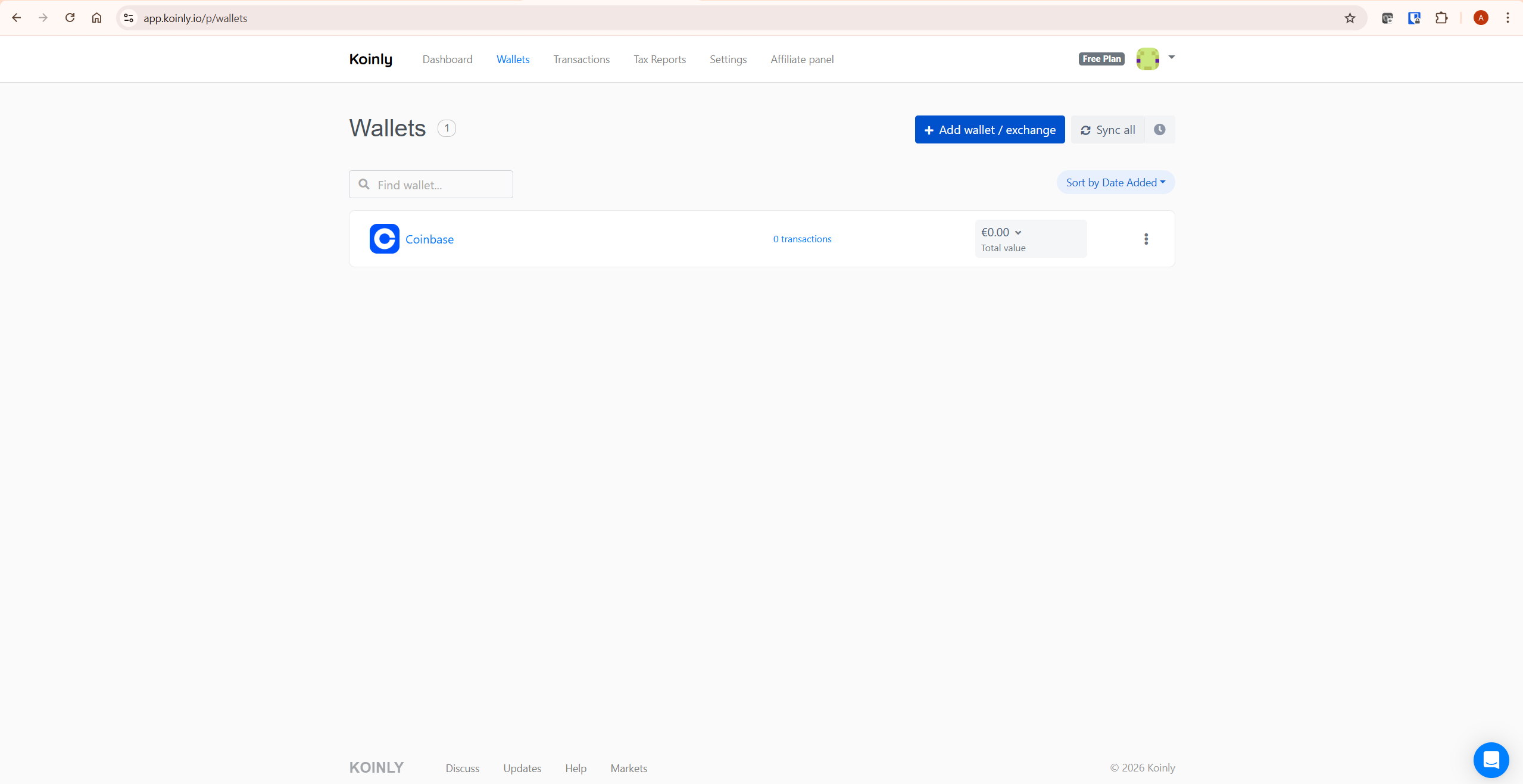
You receive a Form 1099-DA if a centralized crypto exchange operating as a broker in the US processed a sale, trade, or other disposal of your digital assets during the tax year. This applies broadly across the major US-facing exchanges — Coinbase, Kraken, Gemini, and Crypto.com have all confirmed they issue 1099-DA forms for relevant 2025 transactions, generally available by the 17 February 2026 deadline, though some exchanges filed extensions and issued forms into March.
You generally do not receive a Form 1099-DA for activity on decentralized exchanges, non-custodial wallets, or platforms that qualify as DeFi brokers or certain foreign brokers under the IRS rules — these are not required to file the form. You also will not receive a 1099-DA simply for holding crypto or for moving it between wallets you own; the form covers sales and disposals processed through a broker, not unrealized holdings or internal transfers. If you used multiple exchanges, expect a separate 1099-DA from each one that processed disposals on your behalf — not a single consolidated form covering everything.
You can typically find your 1099-DA in the tax documents or statements section of each exchange’s website. If a form you expected has not appeared, check directly with the exchange before assuming none was issued — several exchanges filed extensions in 2026 and issued forms later than the original deadline.
Why Your 1099-DA Probably Shows the Wrong Gain
The IRS itself has been direct about this. In its September 2025 fact sheet, the IRS stated that most statements reflecting Form 1099-DA information will not provide the basis of digital asset transactions for the 2025 tax year, and that taxpayers must calculate basis themselves before filing.
This is not a glitch or an exchange-specific problem — it is built into the current transition rules. Under these rules, brokers are only required to begin reporting cost basis for transactions effected on or after 1 January 2026, which means anything you sold during 2025 will likely show on your 1099-DA with proceeds only, no acquisition cost. Transition guidance from the IRS can be updated, so always check the current rules for the tax year you are filing.
Here is what that looks like in practice. Suppose you bought 0.5 ETH for $1,400 in early 2024, held it, and sold it in 2025 for $1,800. Your actual taxable gain is $400. But if your exchange’s 1099-DA reports only the $1,800 proceeds with no cost basis, the form on its own makes it look like you have $1,800 of gain rather than $400.
| Item | Amount | Source |
|---|---|---|
| Sale proceeds (2025) | $1,800 | Shown on 1099-DA |
| Original cost basis (2024 purchase) | $1,400 | Not shown on 1099-DA — calculated by Koinly from your transaction history |
| Actual taxable gain | $400 | Calculated by Koinly |
| What the 1099-DA alone implies | $1,800 gain | Incorrect — missing cost basis |
Multiply that across dozens or hundreds of transactions and the gap between what the 1099-DA implies and what you actually owe can be substantial. This is the exact problem Koinly form 1099-DA reconciliation exists to solve — Koinly has your full acquisition history from connected wallets and exchanges, so it calculates the real $400 gain regardless of what the 1099-DA shows.
For more on how Koinly’s IRS reporting works generally, see our guide on whether Koinly reports to the IRS.
How to Upload Your Koinly Form 1099-DA
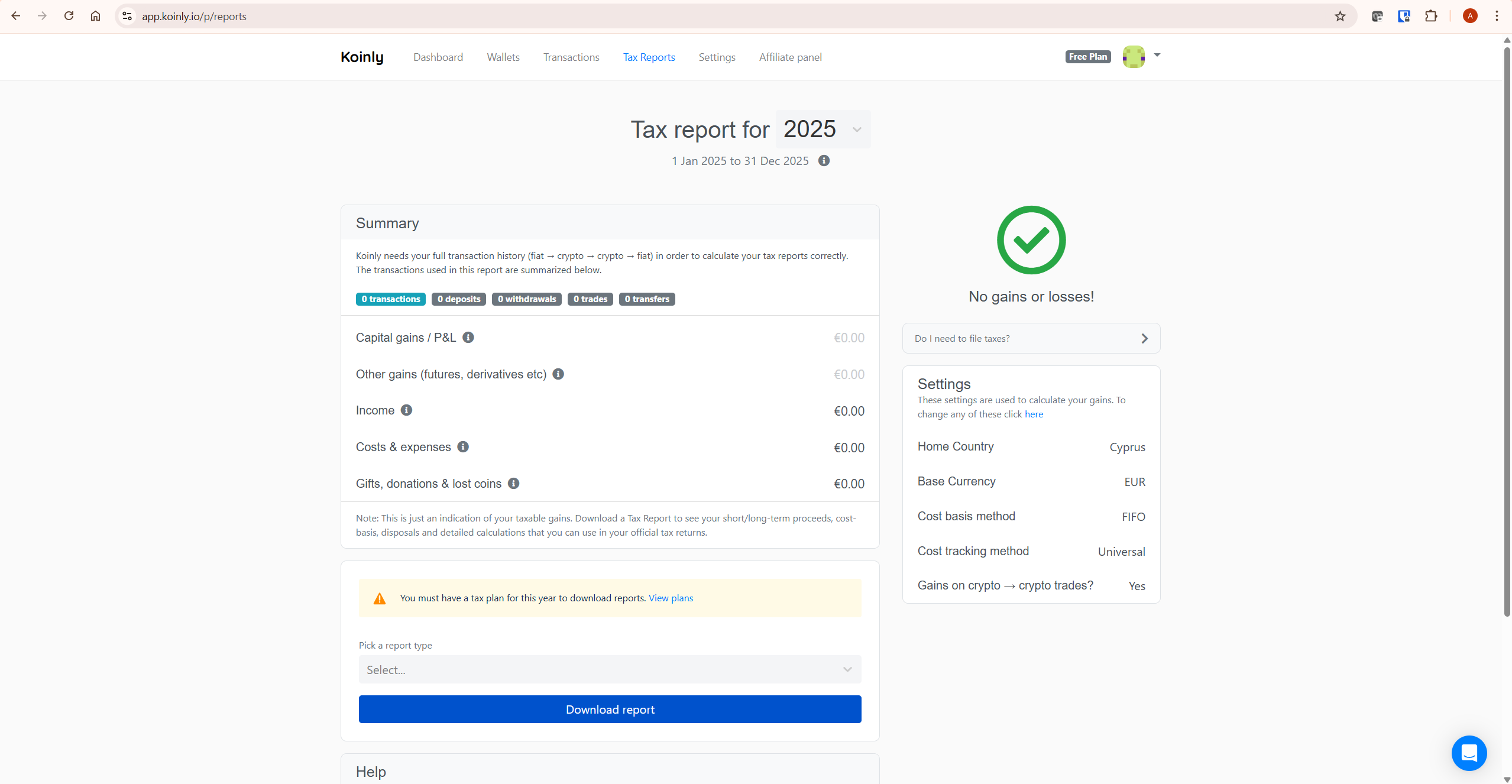
Koinly’s 1099-DA upload feature is in the tax reports section of your account. The workflow is straightforward:
- Download your 1099-DA forms from each exchange that issued one. Most exchanges make these available in a tax documents or statements section of your account, typically as a PDF.
- Make sure your transaction data is fully imported into Koinly via API or CSV for every exchange and wallet — this is what Koinly uses to calculate your actual cost basis, independent of the 1099-DA.
- Go to the tax reports section in Koinly and find the 1099-DA upload option. For each exchange that issued you a form, click upload and select the file.
- For any exchange that did NOT issue you a 1099-DA, mark it as not received in Koinly. This matters for the Form 8949 checkbox Koinly applies to those transactions.
- Review the reconciliation. Koinly compares the proceeds on your uploaded 1099-DA against its own calculation from your transaction history and flags any differences.
Small differences between Koinly’s figures and your 1099-DA — typically in the range of a fraction of a percent — are normal and generally not a concern. These usually arise from minor valuation timing differences, such as which price source is used for a trade executed at a specific moment.
Larger discrepancies are usually a sign of incomplete transaction data — a missing wallet, an exchange not yet connected, or a gap in your import history. If Koinly flags a large discrepancy, the fix is almost always to check your connected wallets and import history before assuming the 1099-DA itself is the problem. Missing transactions are often the root cause of inflated gains generally, not just in the context of 1099-DA reconciliation — see our guide on fixing Koinly missing transactions if your import history looks incomplete. If your gains figures look unexpectedly high in general, see our guide on fixing wrong gains in Koinly.
How Koinly Fills Out Form 8949 for Digital Assets
Form 8949 was updated for the 2025 tax year specifically to handle digital asset transactions reported on Form 1099-DA. The IRS added new checkbox categories separate from the existing stock and securities boxes. Short-term digital asset transactions use Boxes G, H, and I. Long-term digital asset transactions use Boxes J, K, and L. The older Boxes C and F, previously used for transactions not reported on a 1099-B, are no longer used for digital assets.
The box you check depends on two things: whether you received a 1099-DA for the transaction, and whether that 1099-DA reported cost basis. For the 2025 tax year, almost no 1099-DA forms will report cost basis, so most crypto disposals reported on a 1099-DA will fall into the “basis not reported” category for their respective short-term or long-term grouping. Transactions from wallets or exchanges that did not issue you a 1099-DA at all fall into the “not reported to you” category.
When you upload your 1099-DA forms to Koinly and mark any non-issuing exchanges as not received, Koinly applies the correct checkbox automatically across your generated Form 8949. This is genuinely useful — manually determining which of six possible checkbox categories applies to each transaction, across potentially hundreds of transactions and multiple exchanges, is exactly the kind of repetitive classification work software should handle. That said, this is general information about how the form works, not a substitute for review — if your situation involves unusual transaction types or multiple brokers with different reporting statuses, a tax professional should confirm the final classification before you file.
For the practical side of getting your Koinly figures into your tax software, see our guide on importing Koinly into TurboTax.
Do You Have to Upload Your 1099-DA to Koinly?
No. Uploading your 1099-DA to Koinly is optional. Koinly calculates your gains and generates your Form 8949 from your imported transaction history regardless of whether you upload any 1099-DA forms. The upload feature exists to help with reconciliation — comparing what the exchange reported to the IRS against what Koinly calculated from your actual transaction data — and to help Koinly apply the correct Form 8949 checkboxes automatically.
The reason reconciliation matters even though it is optional: the IRS now has a copy of your 1099-DA too. If your tax return shows figures that differ significantly from what the IRS received on your 1099-DA, that mismatch is more visible than it would have been before this form existed. Reconciling — and keeping records of why any differences exist, such as a corrected cost basis — puts you in a stronger position if a discrepancy is ever questioned. This does not mean every taxpayer reporting accurate figures will face scrutiny; it means having an explanation ready is good practice now that the IRS has more data to compare against.
What If You Didn’t Receive a 1099-DA From Some Exchanges?
Not every platform you used is required to issue Form 1099-DA. The IRS confirmed that DeFi brokers and some foreign brokers are not required to file Form 1099-DA or furnish a statement to taxpayers. If you traded on a decentralized exchange, used a non-custodial wallet, or used a platform based outside the US, you may have no 1099-DA for those transactions at all — even though the transactions are still taxable and still need to be reported on your return.
This is precisely the scenario Box I and Box L in Form 8949 are for — transactions not reported to you on Form 1099-DA. The IRS has been explicit that taxpayers should understand their tax obligations whether or not they received a statement showing all taxable digital asset activity. Koinly’s import from your connected wallets and exchanges captures these transactions regardless of whether any 1099-DA was issued, and applies the correct “not reported” checkbox when you mark the relevant wallets as not having received a form.
Common Mistakes With Koinly and Form 1099-DA
Assuming the 1099-DA Figure Is Your Tax Bill
The gross proceeds figure on a 1099-DA is not your gain and is not your tax liability. For 2025 transactions, it is very likely missing cost basis entirely, which means the number on the form overstates what you actually owe. Treat the 1099-DA as one input for reconciliation, not as the answer.
Not Connecting All Wallets Before Reconciling
If Koinly’s calculated gain is significantly different from your 1099-DA in a way that seems too large to be explained by missing cost basis alone, the most common cause is an incomplete transaction history — a wallet or exchange not yet connected to Koinly. Connect everything before treating any discrepancy as a problem with the 1099-DA itself.
Assuming the Wash Sale Rule Applies to All Crypto
Form 8949 includes a “wash sale loss disallowed” code that exists for traditional securities. Under current law, the wash sale rule generally has not applied to cryptocurrency because the IRS treats crypto as property rather than as a security. Some tokenized assets that function as securities may be treated differently. This is an area where rules are actively evolving — do not assume either way for your specific holdings without confirming current treatment with a tax professional.
Ignoring 1099-MISC Forms
Form 1099-DA covers proceeds from sales and disposals. If you earned crypto income — staking rewards, mining income — and that income exceeded $600 from a given platform, you may separately receive a Form 1099-MISC. This is unrelated to the 1099-DA and covers income rather than disposals. Both forms can apply to the same taxpayer for the same year. Koinly separates income from capital gains in its reports, but make sure you have accounted for any 1099-MISC forms you received alongside your 1099-DA forms.
What To Do Next
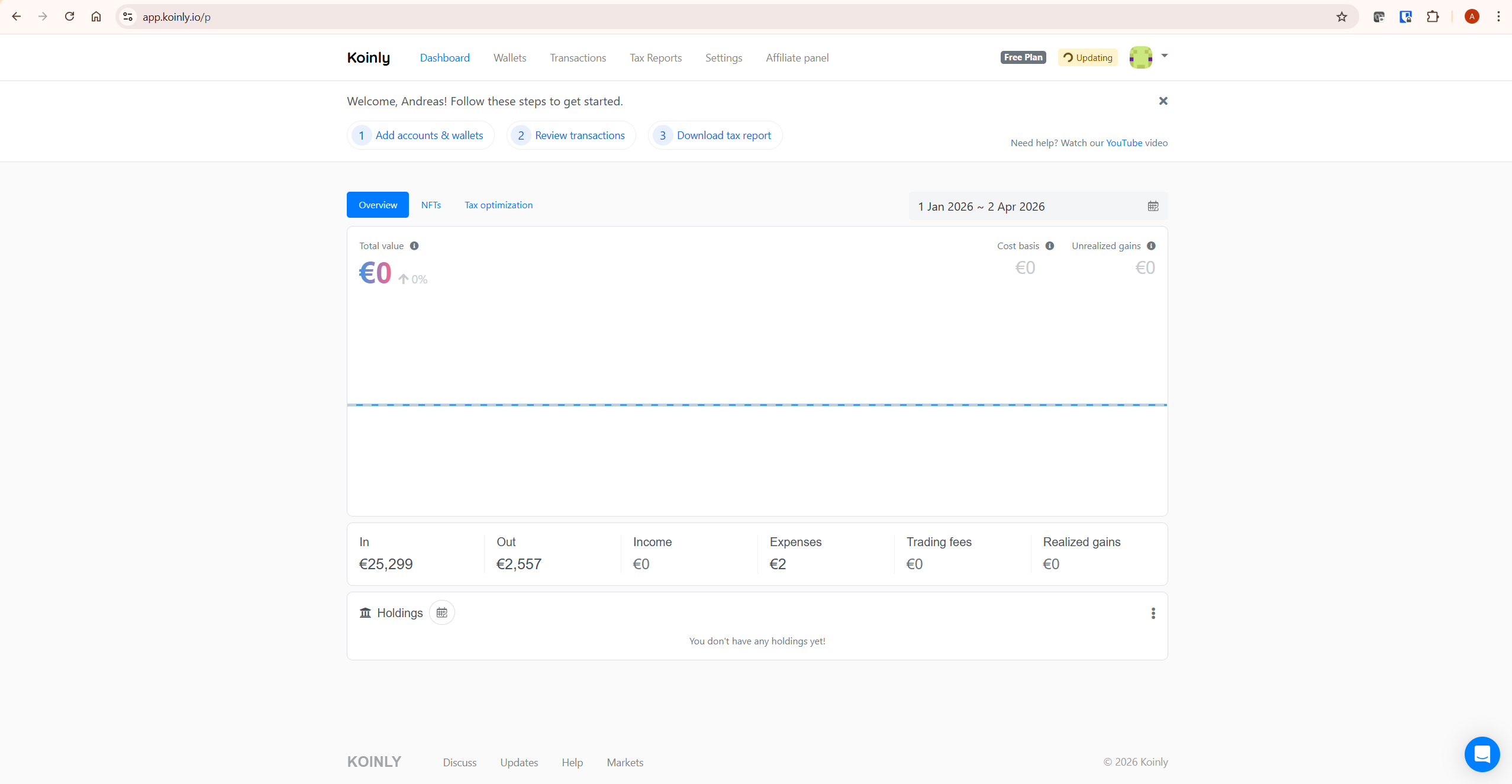
Connect every exchange and wallet you used during the tax year to Koinly via API or CSV — this is the foundation for accurate reconciliation regardless of what your koinly form 1099-da shows. Download the 1099-DA forms from each exchange that issued one and upload them to Koinly’s tax reports section. For any exchange that did not issue a form, mark it as not received.
Review Koinly’s reconciliation summary, and if a discrepancy looks larger than expected, check your connected wallets before assuming the 1099-DA is wrong. Generate your Form 8949 and Schedule D from Koinly, and take both your Koinly report and your original 1099-DA forms to your tax professional if you use one — having both makes it easy for them to confirm everything lines up.
If you are new to Koinly, see our full Koinly review for a complete platform overview. For plan costs, see our Koinly pricing guide.
Frequently Asked Questions
Does Koinly support Form 1099-DA?
Yes. Koinly added a 1099-DA upload feature to its tax reports section. You can upload the 1099-DA forms you receive from exchanges, and Koinly reconciles them against your imported transaction history. Koinly also generates Form 8949 with the digital asset checkboxes (Boxes G through L) applied automatically based on whether you uploaded a 1099-DA for each exchange.
Why does my 1099-DA show a higher gain than I expected?
For the 2025 tax year, the IRS confirmed that brokers are not required to report cost basis on Form 1099-DA. Many forms will show only your gross proceeds — what you sold the asset for — without subtracting what you originally paid for it. This makes the gain figure on the form look larger than your actual taxable gain. Koinly calculates your real cost basis from your full transaction history regardless of what the 1099-DA shows.
Do I need to upload my 1099-DA to Koinly?
No, it is optional. Koinly calculates your gains and generates your tax reports from your connected wallets and exchanges whether or not you upload any 1099-DA forms. Uploading helps you reconcile Koinly’s figures against what the IRS received directly from your exchanges, which is useful for identifying discrepancies before you file — but it is not required for Koinly’s calculations to work.
What if I didn’t receive a 1099-DA from an exchange I used?
Some platforms — including DeFi protocols, non-custodial wallets, and certain foreign exchanges — are not required to issue Form 1099-DA. The IRS has confirmed taxpayers must still report taxable activity from these platforms even without a form. In Koinly, mark these exchanges or wallets as not having received a 1099-DA, and Koinly will apply the appropriate Form 8949 checkbox for transactions not reported on any 1099-DA.
What is the difference between Form 1099-DA and Form 1099-MISC?
Form 1099-DA reports proceeds from digital asset sales and disposals. Form 1099-MISC reports miscellaneous income, such as staking or mining rewards, generally if you earned $600 or more from a platform during the year. These are separate forms covering separate types of activity, and you may receive both from the same exchange depending on what you did during the year. Koinly separates capital gains from income in its reports to reflect this distinction.
What boxes on Form 8949 are used for crypto reported on 1099-DA?
For the 2025 tax year, Form 8949 introduced new checkbox categories for digital assets. Short-term digital asset transactions use Boxes G, H, and I. Long-term digital asset transactions use Boxes J, K, and L. The category depends on whether the transaction was reported to you on a 1099-DA and whether that form included cost basis. The older Boxes C and F are no longer used for digital assets. This is general information about how the form is structured — confirm the correct box for your specific transactions with a tax professional or your tax software.
Does the wash sale rule apply to crypto reported on Form 1099-DA?
Under current law, the wash sale rule has generally not applied to cryptocurrency because the IRS classifies crypto as property rather than as a security. Form 8949 includes a wash sale adjustment code that exists for traditional securities, and its presence on the form does not by itself mean the rule now applies to all crypto. Some tokenized assets that function as securities could be treated differently, and this is an area of active discussion. Confirm current treatment for your specific holdings with a tax professional rather than assuming either way.
The Bottom Line
Koinly form 1099-DA support solves a real and timely problem — exchanges are now sending the IRS a copy of your proceeds, but for the 2025 tax year those figures will almost certainly be missing the cost basis information needed to calculate your actual gain. The 1099-DA you received is one piece of the picture, not the full picture. Koinly’s calculation from your complete transaction history, combined with the optional 1099-DA upload for reconciliation, gives you the figures you actually need to file — and the documentation to explain any differences if your return is ever compared against what the IRS received directly.
The first step regardless of where you are in this process is making sure every exchange and wallet you used is connected to Koinly. Ready to check your figures? Start with Koinly free here — no credit card required.
Related reading:
- Koinly Review: Is It the Best Crypto Tax Software in 2026?
- Does Koinly Report to the IRS? Honest Answer for Crypto Investors (2026)
- Koinly Showing Wrong Gains? How to Fix Cost Basis Errors
- How to Import Koinly into TurboTax: Best Complete 2026 Guide
- Koinly Pricing: Plans, Limits & Which One You Actually Need
